MÜHLEN L30
Paper Punching and Corner Cutting & Rounding Machine
Paper Corner Cutting and Rounding
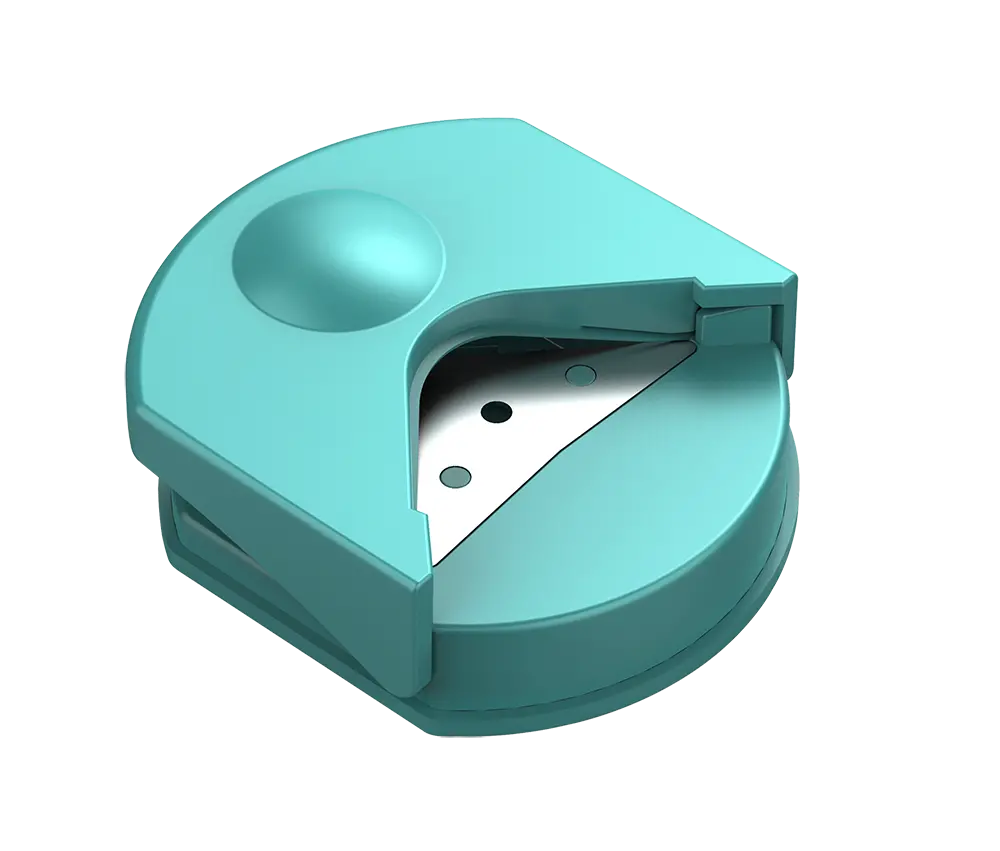
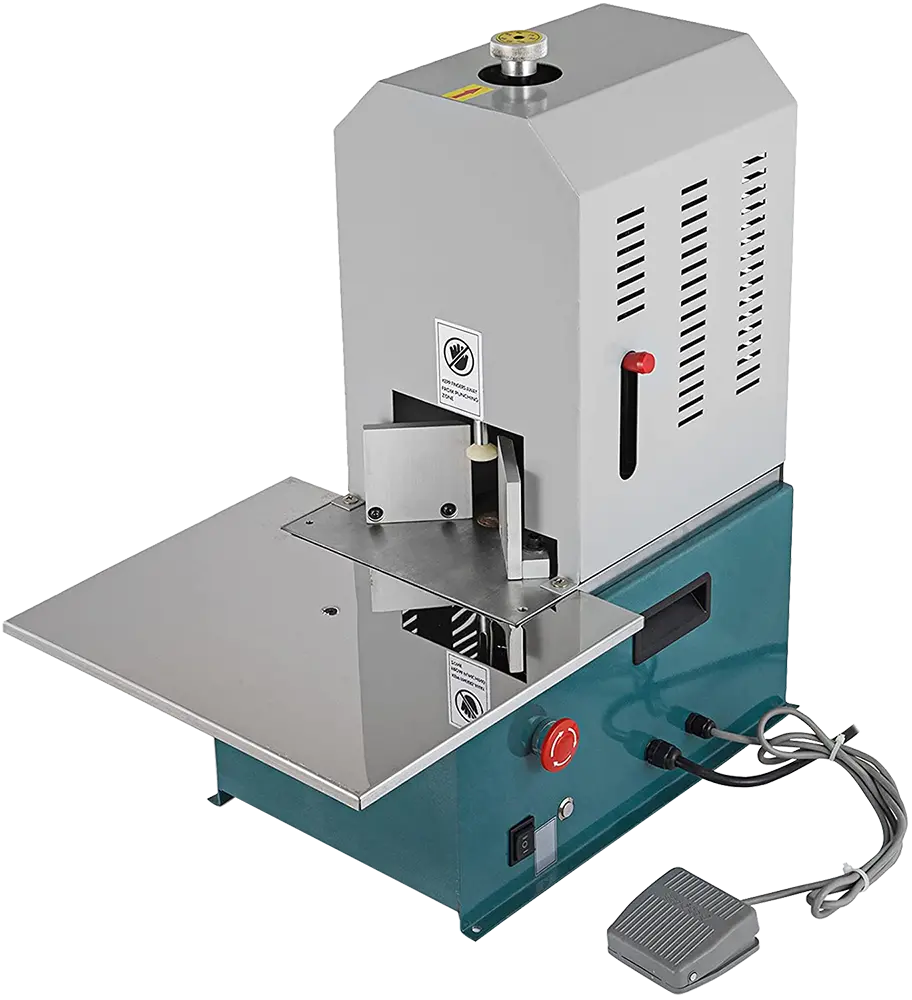
Thanks to its 6mm R6 blade, the MÜHLEN L30 can round the corners of up to 300 sheets of paper or documents in a single pass. Users can also move the document back and forth to adjust the cutting depth.
Paper and Document Punching
With the capacity to punch up to 300 sheets of paper at 5mm diameter (Ø5) in a single pass, the MÜHLEN L30 is especially designed for punching and binding invoices and financial documents. It also features a margin adjustment to set how far from the edge or corner the hole is punched.
Manual Margin Adjustment Level
Thanks to the manually adjustable screw on the back of the machine, the model features a margin adjustment system that lets you set how far from the edge or corner documents are cut or punched, delivering millimeter-precise cutting and punching.
Sharpenable Blades
The MÜHLEN L30's blades can be easily replaced and sharpened using the adjustable screw on the unit, and are designed for years of high performance. The MÜHLEN L30 comes with two cutting blades: one for rounding paper corners and one for punching holes in paper.
Adjustable Cutting Guides
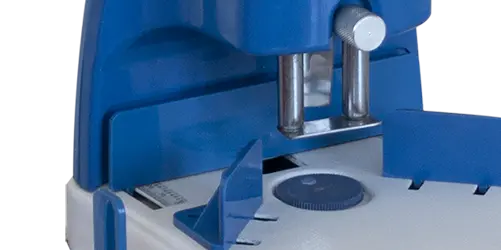
Thanks to its adjustable cutting guides, the MÜHLEN L30 can cut documents of any size and at any angle with millimeter precision. It also features a millimeter measuring scale that shows the angle of the documents.
Practical and User-Friendly
Built entirely of metal in both its pressing lever and body, the model is extremely durable and made to last for years. At the same time, it is highly user-friendly and easy to operate in every respect.
Technical Specifications
- Cuts and rounds the corners of documents and papers
- Punches documents and papers from a single point in one pass
- Comfortably cuts the corners of 300 sheets of paper in one pass
- Comfortably punches 300 sheets of paper in one pass (Ø5mm)
- Punches and cuts invoices up to 300 sheets
- Manual margin adjustment system between 0~35 mm
- Corner cutting and punching blade (dual system)
- Adjustable paper cutting guides
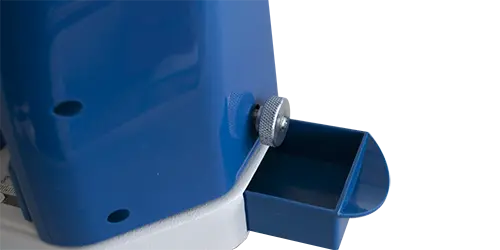
- Cut waste paper collection box
- Easy to use and user-friendly
- Sturdy metal body and lever structure
- Easily removable blade system
- Special sharpenable steel blades
- 24-month warranty
Advantages
- Two functions in one machine
- Rounds paper corners
- Punches 5mm diameter holes
- User-friendly machine
- Dual blade system
Physical Properties
- Gross Weight: 3 kg
- Net Weight: 2.5 kg
- Gross Dimensions: 350x200x250 mm
- Net Dimensions: 320x200x150 mm
Mühlen L30 — Two-in-One Paper Punch and Corner Rounding Machine
Who Is It For?
The Mühlen L30 paper punch and corner rounding machine is a manual desktop unit for print shops, stationery stores, offices, makers of invitations and business cards, and accounting teams that file invoices and records. It combines two jobs in one body: it rounds document corners and punches a single hole through thick stacks, so there is no need to keep two separate machines. It is especially suited to punching and binding invoices and financial documents.
Key Features and What They Do
- Dual blade system: the L30 comes with two cutting blades, one for rounding paper corners and one for punching holes.
- 300 sheets per pass: rounds the corners of up to 300 sheets in one pass and punches up to 300 sheets with a Ø5 mm hole.
- R6 corner blade: the 6mm R6 blade gives an even curve; moving the document back and forth adjusts the cutting depth.
- 0~35 mm margin adjustment: a manual screw on the back sets how far from the edge or corner the cut or hole is made, with millimetre precision.
- Adjustable cutting guides with scale: guides and a millimetre measuring scale help position documents of any size at the required angle.
- All-metal lever and body: the pressing lever and housing are made of metal for durable, everyday use.
Frequently Asked Questions
Can the L30 punch holes as well as round corners?
Yes. It punches documents from a single point in one pass and also cuts and rounds their corners, using two separate blades.
Can the blades be sharpened or replaced?
Yes. The special steel blades are easily removable and can be sharpened, using the adjustable screw on the unit.
Where does the cut paper go?
Trimmed pieces are collected in a waste paper box on the machine.
How large and heavy is the L30?
Net dimensions are 320x200x150 mm and the net weight is 2.5 kg. It comes with a 24-month warranty.
Usage and Care Tips
Set the margin screw and the cutting guides before you start a batch, then check the result on a test sheet. Keep stacks within the 300-sheet limit for clean corners and holes. Empty the waste box regularly, and sharpen the blades when cuts start to look rough so the machine keeps working accurately.