
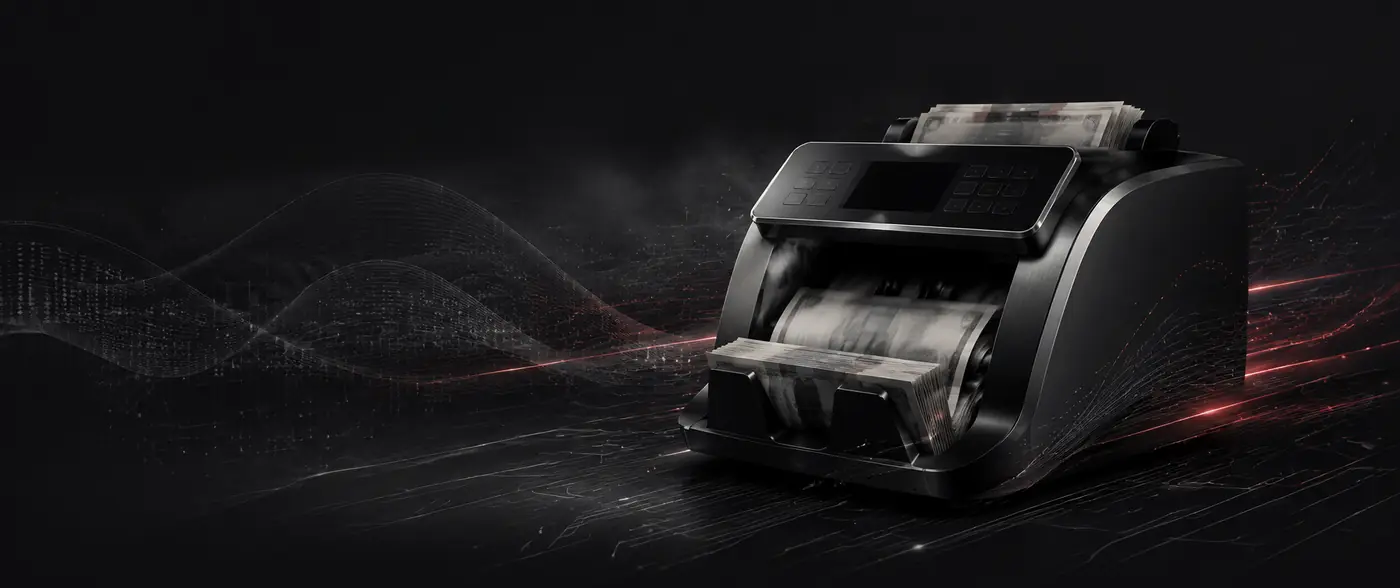
Money Counting Machine Problems and Solutions
Under heavy use, money counting machines may occasionally miscount, jam or show sensor-related warnings. Most of these problems can be solved with simple maintenance and correct use. Below are the most common situations and their step-by-step solutions. If the problem persists, we recommend contacting the authorised Mühlen service.
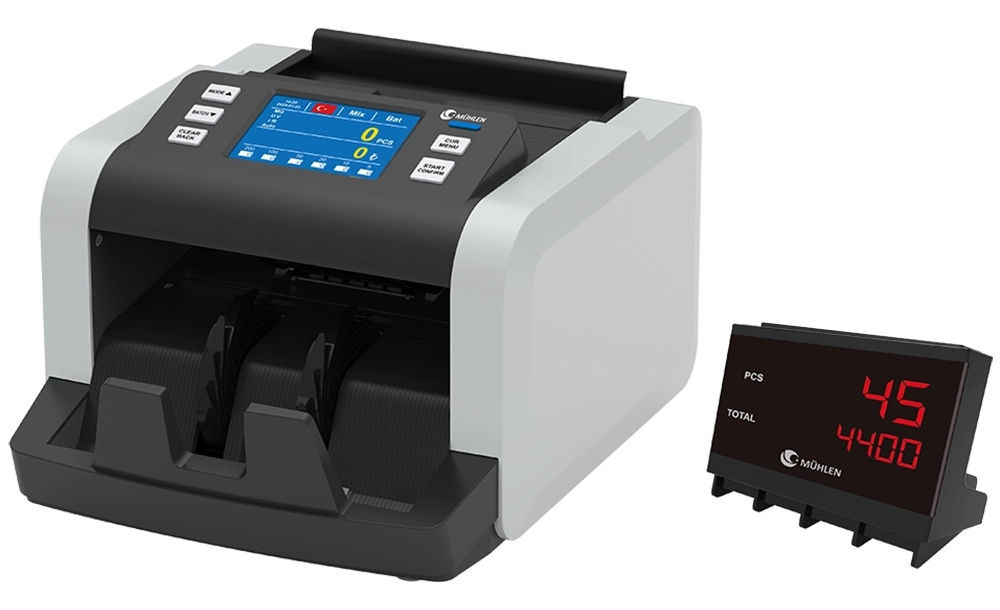
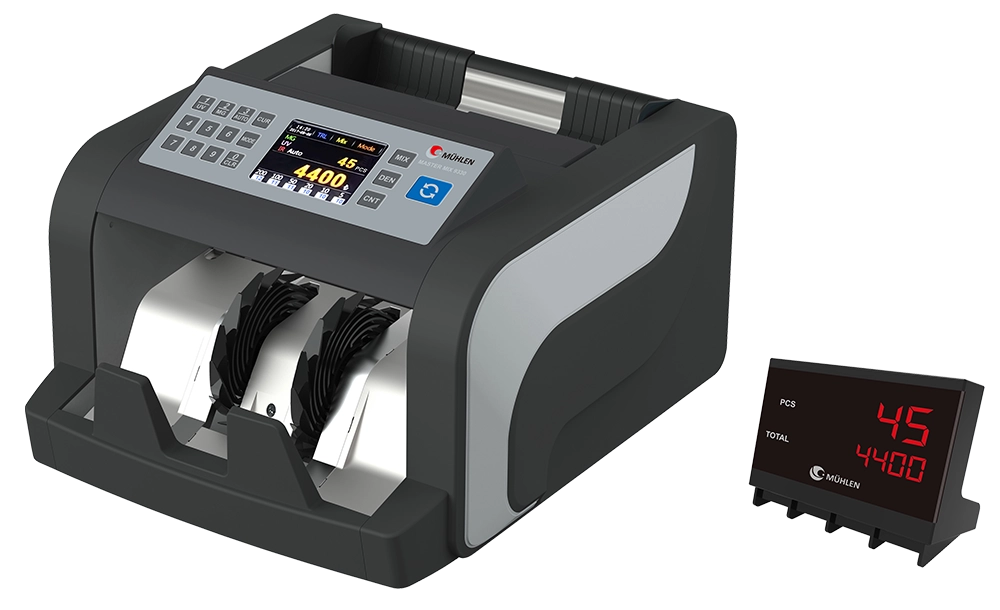
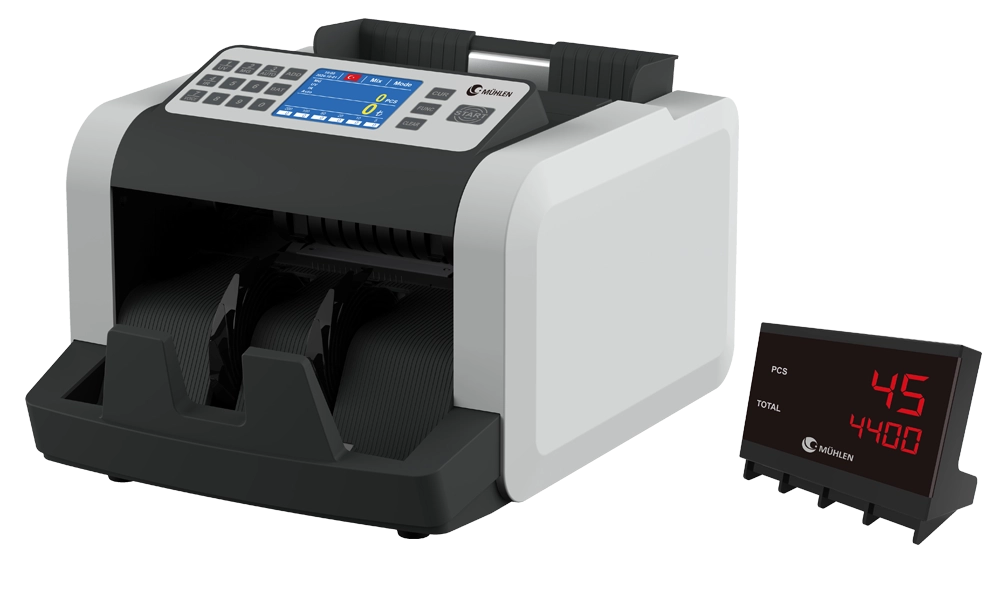
Having trouble with your machine?
Describe the issue and we will point you to a solution.
1. The Machine Miscounts or Counts Inconsistently
The most common cause is dust and paper dust building up on the counting sensors. Worn, creased or damp banknotes can also cause counting errors.
- Switch the machine off; clean the counting channel and sensor surfaces with a soft brush or compressed air.
- Flatten the banknotes, face them the same way and align the bundle before loading it.
- If you are counting mixed denominations, make sure the correct mode (piece count / value count / mixed) is selected.
- Separate badly worn banknotes by hand and count them separately.
2. Banknote Jams
Jams are usually caused by overfilling the hopper, a misaligned bundle or foreign objects (paper clips, rubber bands).
- Stop the machine and unplug it; remove the jammed note gently in the feed direction without forcing it.
- Do not fill the hopper far beyond its capacity; feed the bundle in small batches.
- Remove paper clips, rubber bands, labels and similar objects from between the notes before counting.
3. Constant Counterfeit Alerts (False Rejects)
When the UV, MG or IR sensors get dirty, or when very old or worn genuine banknotes are scanned, the machine may give false alerts.
- Clean the windows of the counterfeit detection sensors (UV/MG) with a dry, soft cloth.
- Remember that badly worn genuine banknotes can sometimes trigger an alert; check the suspicious note separately.
- If the sensor sensitivity is adjustable, set it according to the manufacturer's recommendation.
4. The Machine Will Not Turn On or Stops Suddenly
- Check that the power cable is fully plugged into the socket and the machine; try a different socket.
- On battery models, charge the battery or run the machine on the adapter.
- If it stops because of overheating protection, let the machine rest for a few minutes and do not block the air vents.
5. Regular Maintenance (Prevents Problems)
- Weekly: Clear dust from the counting channel and sensors.
- Monthly: Check the rollers and feed wheels; use manufacturer-approved cleaning cards if needed.
- Keep the machine in a dust-free, dry place; cover it when not in use.
06
Frequently Asked Questions
Why is my money counter miscounting?
The most common causes are dust on the counting sensors and worn banknotes. Cleaning the sensors and feeding aligned notes usually restores counting accuracy.
What should I do when a banknote jams?
Stop the machine and unplug it, then remove the jammed note in the feed direction without forcing it. Not overfilling the hopper and removing objects such as clips and rubber bands prevents jams.
How do I clean the sensors?
With the machine switched off, clean the counting channel and the UV/MG sensor windows with a soft brush, compressed air or a dry cloth. Do not use liquid cleaners.
What should I do if the problem persists?
If the problem continues despite cleaning and correct use, take the machine to the authorised Mühlen service; internal mechanical or sensor faults require expert intervention.
07
Related
If you are looking for a suitable model, browse our Money Counting Machines category.
If the problem persists, write to us
Tell us what is happening and which model you use, and we will guide you to the right solution. If you are considering a new model, we can also help you choose.