
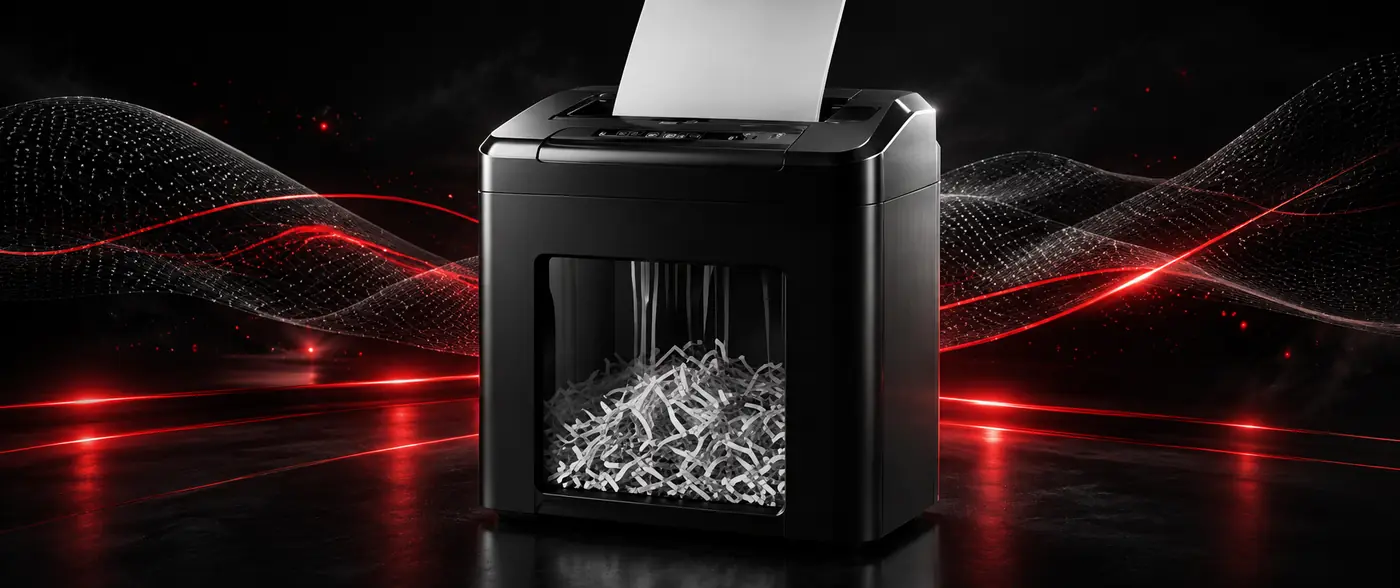
How to Choose a Paper Shredder (Document Destroyer): DIN Classes and Cut Types
How do you choose a paper shredder (document destroyer)? A guide to DIN 66399 security classes, the difference between strip, cross and micro cut, sheet capacity and bin selection.
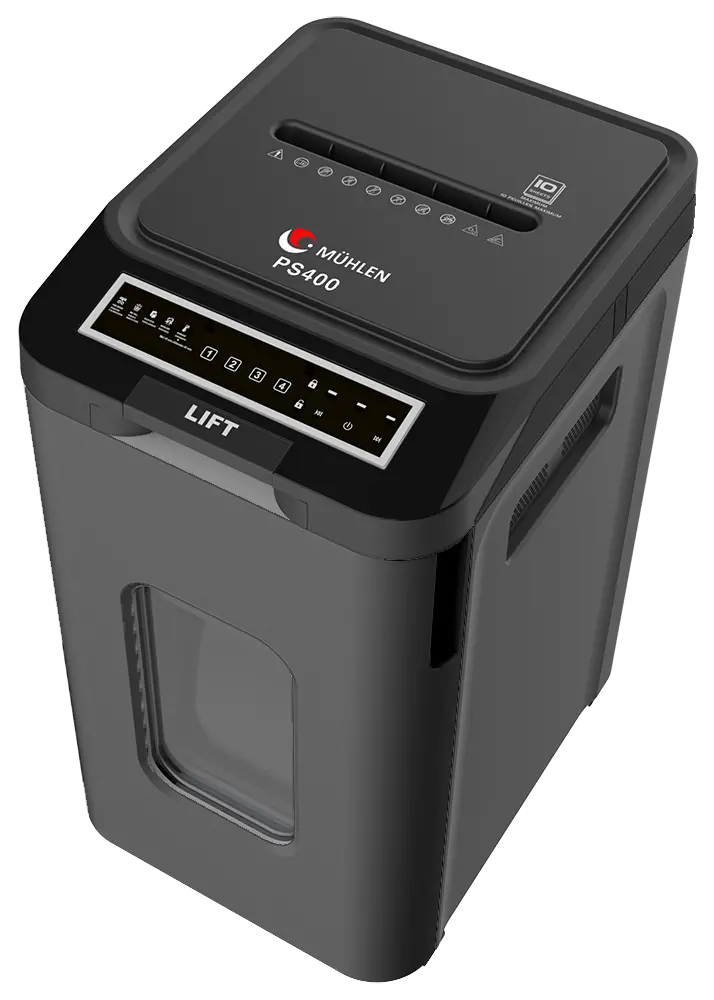
A paper shredder — also known as a document destroyer, paper cutter or paper shredding machine — is a device that destroys documents by rendering them unreadable. Choosing the right model is not only a question of price: how small the document is cut (the security class), how many sheets are destroyed in a single pass and how long the machine can run without stopping all have to be assessed together. In this guide we explain the selection criteria step by step.
1. Security Class (DIN 66399): The Most Critical Criterion
DIN 66399 classifies destruction security by particle size, from P-1 through P-7. The smaller the particle, the more impossible it becomes to reassemble the document:
- P-2 / P-3: General purpose, documents with a low level of confidentiality. Advertising, drafts, daily notes.
- P-4 (particle ≤ 160 mm²): The minimum level commonly recommended for documents containing personal data. Contracts, invoices, personnel records, customer forms.
- P-5 (particle ≤ 30 mm²): Special category (sensitive) data — health, financial, biometric information.
- P-6 / P-7: Documents of a secret nature requiring the highest level of confidentiality.
The Mühlen range includes models at levels from P-3 through P-7. We explain in detail which level suits documents covered by data protection law in our KVKK compliant document destruction guide.
2. Cut Type: Strip, Cross and Micro
- Strip cut: Cuts the document into long strips. It is the most economical method, but because the strips can be pieced back together it falls short for sensitive documents.
- Cross (confetti) cut: Cuts the document in two directions, separating it into small pieces. A 4x35 mm confetti cut, for example, delivers DIN P-4 level; for most office use this is the right balance.
- Micro cut: Produces the smallest particles and reaches DIN P-5 and above. Documents become unreadable and impossible to reassemble; recommended for corporate use and sensitive data.
Practical rule: never destroy a document containing personal data with a strip cut.
3. Sheet Capacity and Run Time
Two values must be read together: how many sheets the machine can take in a single pass and how long it can run without stopping.
- 3–5 sheets / 3–4 minutes: Home office and personal use. Sufficient for anyone destroying a few pages a day.
- 5–12 sheets / 3–5 minutes: Small and medium office. Regular but not heavy destruction.
- 12 sheets and above, long run time: Corporate use; a department or archive unit.
Feeding above capacity is the most common cause of jamming. An automatic protection system also matters on models that run for long periods: when the motor heats up, the machine switches to standby and protects itself.
4. Waste Bin Capacity
The larger the bin, the less often it has to be emptied. A 3-litre drawer is enough for home use, while 15 litres and above is practical in an office; for departmental use, models in the 80–160 litre band are preferred. A transparent bin lets you see the fill level, while a safety system that stops the machine when the drawer is opened makes emptying safe.
5. What Should It Be Able to Destroy?
Paper alone may not be enough. Check the following according to your needs:
- Staples and paper clips: most models accept stapled documents; large metal parts, however, damage the blades.
- Credit card / CD-DVD: models with a separate feed slot can also destroy optical media and cards.
- Non-paper material: for cardboard, plastic folders and similar materials, check which types the machine supports.
6. Ease of Use and Maintenance
- Reverse: lets you retrieve the document when it jams; in practice one of the most used functions.
- Automatic start: the machine starts by itself when a document approaches.
- Castor-mounted body: makes models with large bins easier to move around the office.
- Lubrication: regular oiling of the blades extends service life noticeably; a manufacturer-approved lubrication product should be used.
Summary Recommendation by Use Case
- Home office / personal: models with 3–5 sheet capacity, cross cut and a compact bin.
- Small office: 5–12 sheets, DIN P-4 cross cut, a bin of 15 litres or more; a CD/DVD slot is an advantage.
- Corporate / data protection focused: DIN P-5 micro cut, 12+ sheets, long uninterrupted run time, a large bin and a castor-mounted body.
- Highest confidentiality: micro cut models at DIN P-6 / P-7 level.
Frequently Asked Questions
Is there a difference between a paper shredder and a document destroyer?
No. "Paper shredder", "document destroyer", "paper cutting machine" and "paper shredding machine" are different names for the same device.
Which security class should I choose?
DIN P-4 and above is commonly recommended for documents containing personal data, and P-5 and above for special category (health, financial, biometric) data.
Is a strip cut enough?
It can be enough for documents that require no confidentiality; for records containing personal data, however, cross or micro cut should be preferred, because strips can be pieced back together.
Why does the machine jam?
The most common reason is feeding above capacity. Paper clips, staples and damp paper also cause jams. The document can be retrieved with the reverse function.
What sheet capacity should I buy?
Think about your daily destruction volume: 3–5 sheets is enough in a home office, while regular office use calls for 5–12 sheets and corporate use for models of 12 sheets and above.
What should I do about maintenance?
Oil the blades regularly with a manufacturer-approved lubrication product, empty the bin in good time and do not feed above capacity.
Related Content
For a model and price comparison see our document shredder prices article, and for all models our document (paper) shredders category. For corporate data security and matching the DIN class, review our KVKK compliant document destruction guide.
To identify the right model for you and request a quote, you can use the form on the product pages or get in touch with us.